What you need
- Your public Duilink URL.
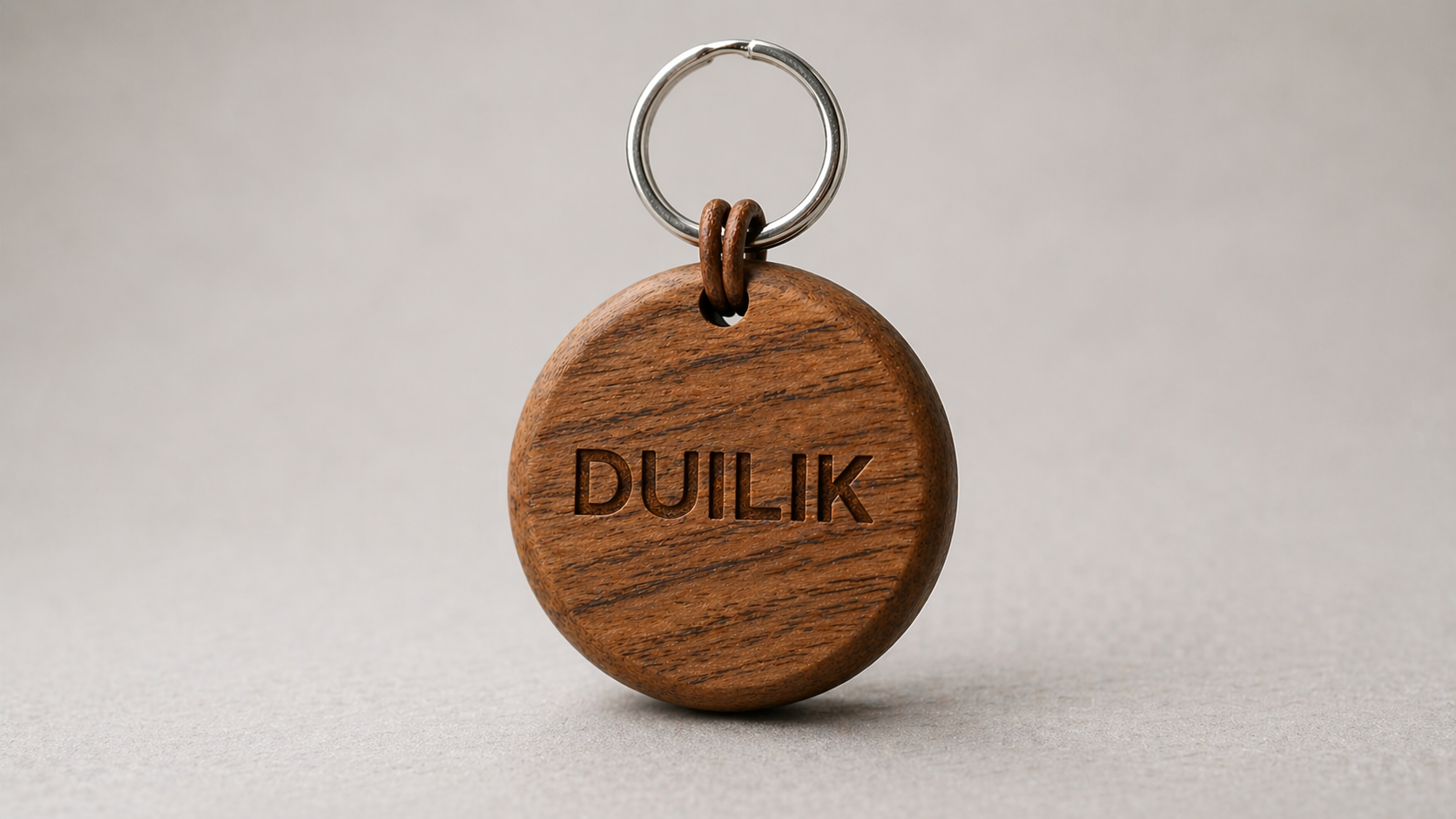
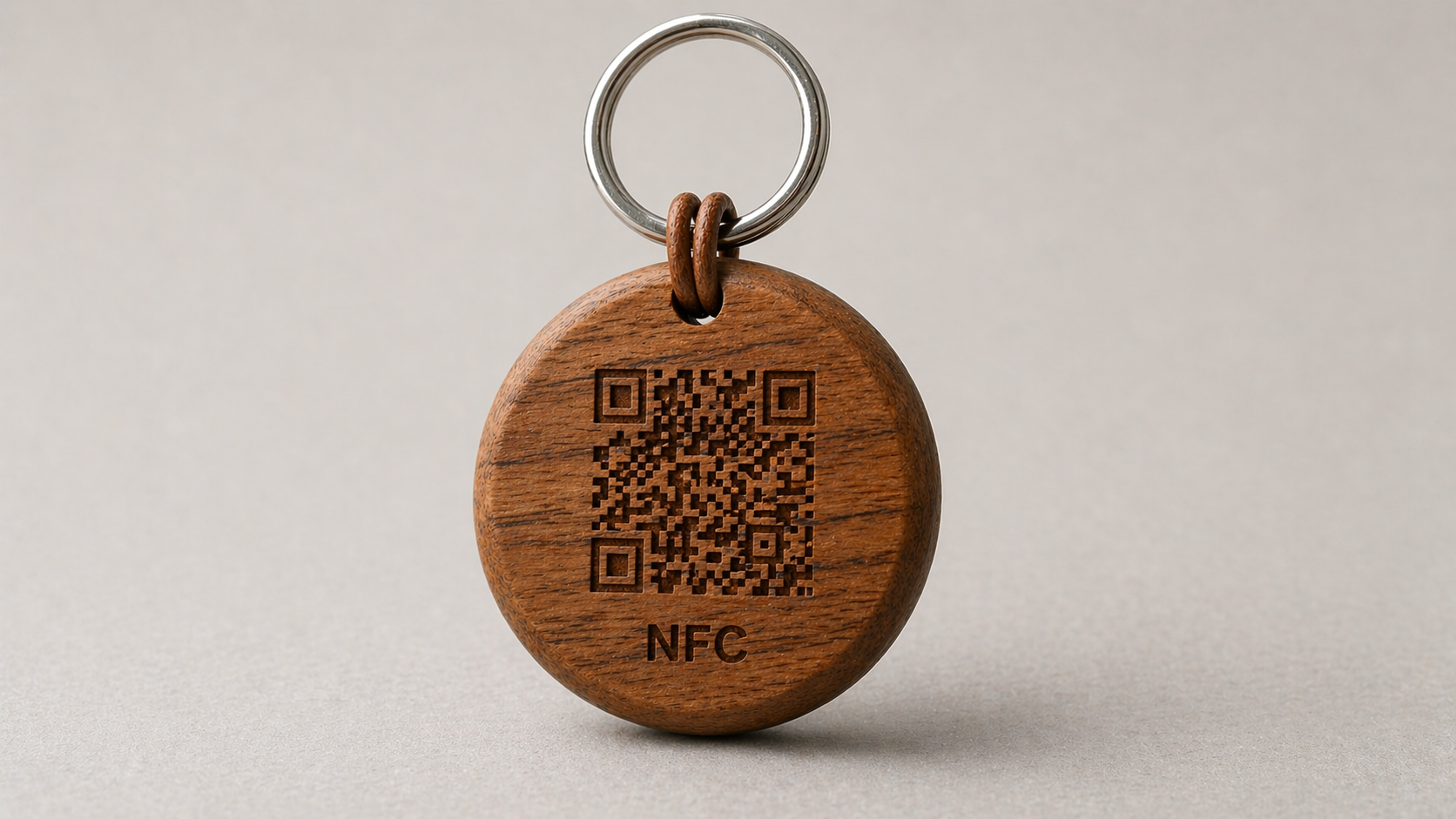
- A writable NFC card, sticker or keychain.
- An NFC writing app on your phone.

Tap the keychain with a phone and your Duilink page opens immediately. The person receiving your contact does not need an app.
Most modern phones can read NFC tags without installing anything. The writing step is only needed once, by the person preparing the tag.