
Get started — Duilio F4 Tools
Duilio F4 Tools is the official configuration software for Duilio boards. It allows you to change driver type, signal mapping and operating mode in a few clicks, without writing a single line of code.
Configure your controller visually, flash it, and test it in minutes.
What you can do with Duilio F4 Tools
Select motor driver type (BLDC, brushed, servo-style, etc.)
Change signal mapping (PWM / DIR / ENABLE / analog-style)
Switch operating modes (speed, positioning)
Configure limits and safety behavior
Flash firmware and configuration
Monitor basic feedback over USB (battery voltage, sonar, status)
Screenshots
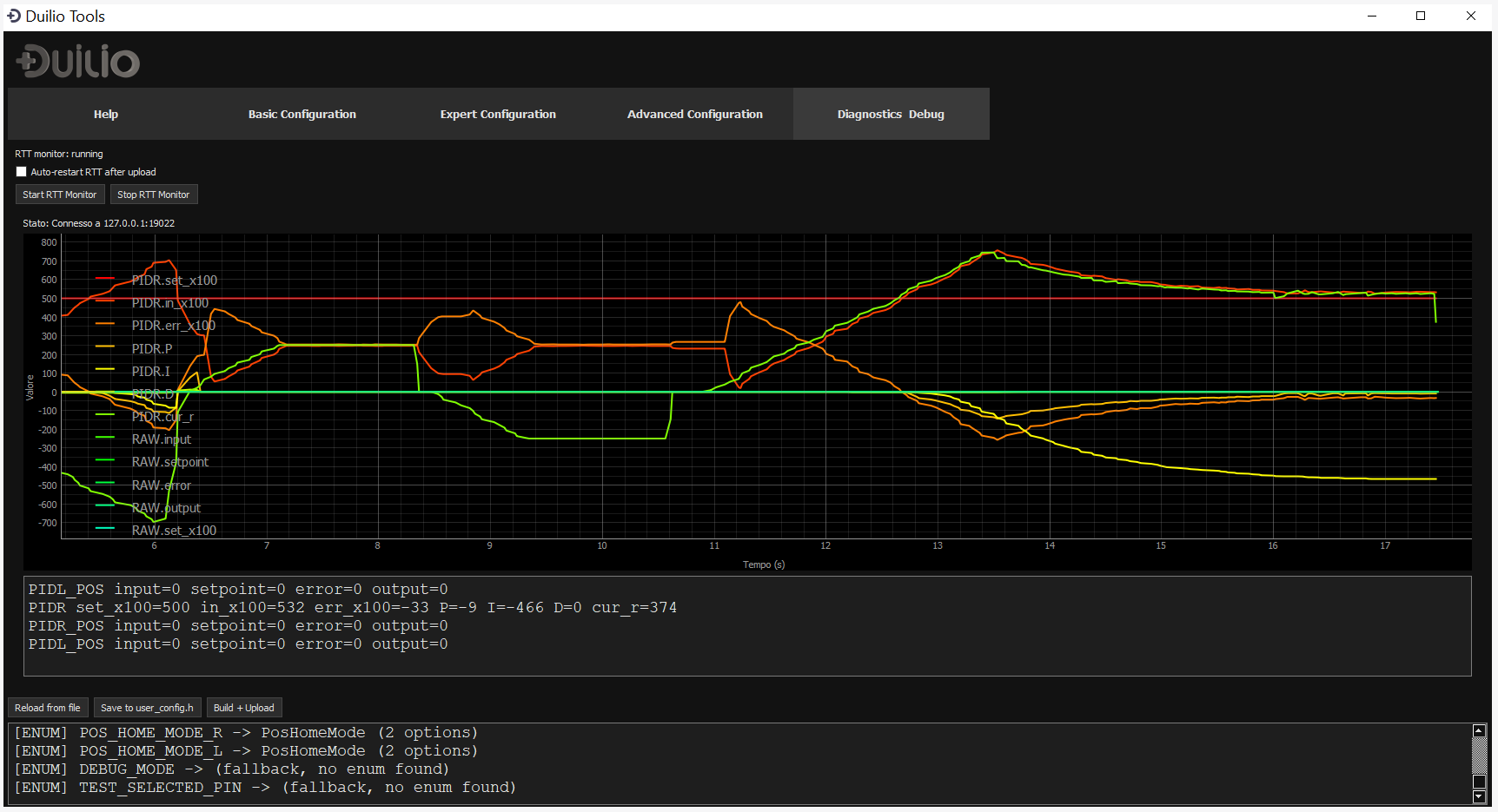
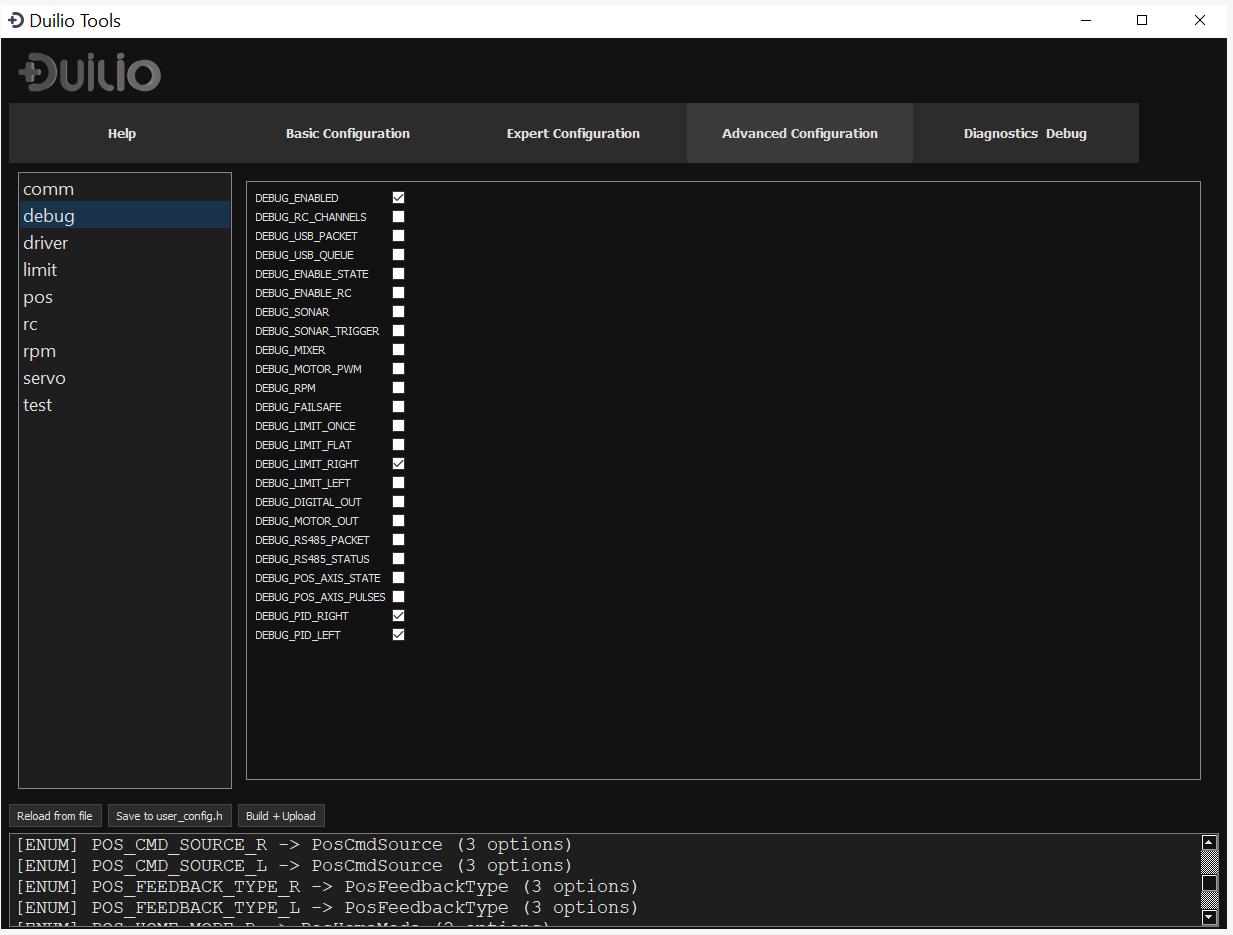
Example configuration (servo / BTS7960 style)
This example shows how Duilio F4 Tools can be used to configure a brushed motor driver (BTS7960-like), where the standard DIR signal is repurposed as a second PWM channel.
Clickable wiring diagram

Why Duilio F4 Tools (no-code philosophy)
Duilio F4 Tools is designed for users who want reliable motion control without dealing with firmware source code, compilers or IDEs.
- No firmware editing
- No recompiling
- No manual pin remapping
- Configuration stored and flashed safely